Skip to content
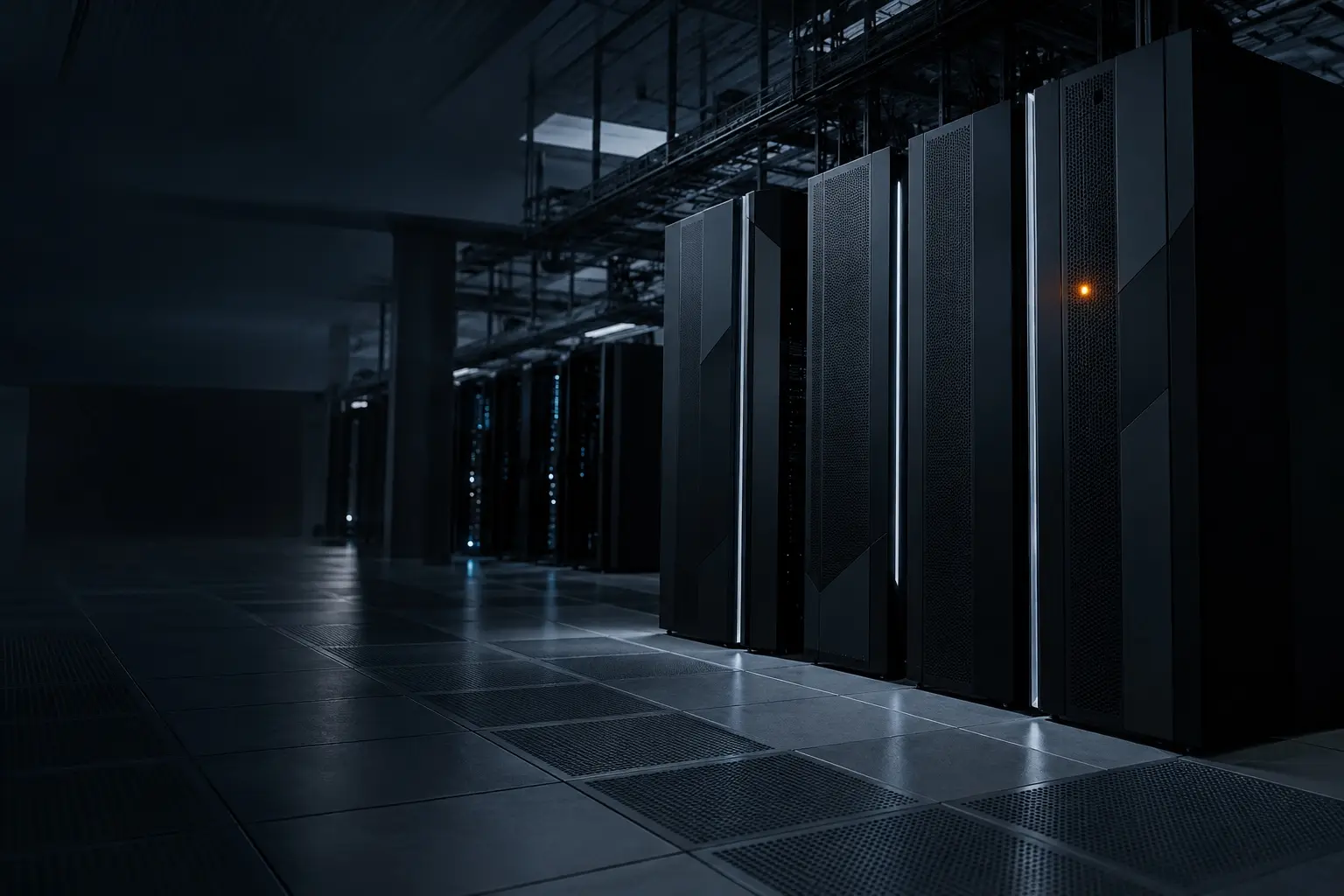
Row of black mainframe cabinets on a raised data center floor at night

S/12 · Mainframe & IBM i migration

Get the jobs that trap you off the IBM box.

Axio Intelligence helps US manufacturers, distributors, wholesalers and mid-size retailers cut IBM, Broadcom and BMC mainframe licensing and compute cost by moving COBOL workloads to AWS, Azure or Google Cloud in a modern language — starting with the peak batch and extract jobs that cost the most: inventory, replenishment, pricing feeds and nightly reports. Go as far as a full migration, or stop when the savings stop. There is no upfront fee: we are paid a share of the net savings.

When teams call us

You probably need this if…

  • 01

    Mainframe licensing and compute cost keeps climbing, and nobody can say which workloads drive it.

  • 02

    Inventory, replenishment and pricing jobs run at the busiest time of the month, and nobody wants to touch them.

  • 03

    On IBM i, the one person who understands the RPG that runs the business is close to retiring.

  • 04

    Leadership wants off the box, but not through a multi-year, all-at-once rewrite.

Two platforms

Two different problems

Same method, different goal. We run a separate diagnostic for each platform and rank the jobs on what actually hurts there.

P/01 · IBM Z · z/OS · COBOL

The monthly software bill

Mainframe software is licensed many ways — on the rolling 4-hour peak, on full machine capacity, on consumption — and contracts with IBM, Broadcom and BMC vary. Whichever you have, the bill follows the work that runs on the mainframe. We move that work to AWS, Azure or Google Cloud, starting with the jobs that cost the most, so you license and run less mainframe — or none.

What the diagnostic reads

  • Your software contracts and recent invoices
  • Usage reports (SCRT and SMF) for recent months
  • Job scheduler export (Control-M, CA-7, IBM Z Workload Scheduler)
  • The datasets and Db2 tables each job reads and writes

Jobs ranked by dollars on the bill and by risk to the business.

P/02 · IBM i · AS/400 · RPG

The last RPG developer

For companies on IBM i (AS/400), Axio moves RPG and COBOL batch and file extracts off the box so the business is not stuck behind the last RPG developer. The cost here is licensing and hardware, and decades of code that fewer people can safely change every year. We rebuild those jobs in the cloud in a modern language, documented and owned by more than one person.

What the diagnostic reads

  • Job scheduler entries and job descriptions
  • The RPG, CL and COBOL programs that run the business
  • Which files and Db2 for i tables each job reads and writes
  • Who receives each output — file, feed or report

Jobs ranked by who screams if it’s late, and by whether the person who understands it is still here.

How it works

One job at a time.

  1. 01

    Read the bill and the job list

    Contracts, invoices and usage reports, plus the job scheduler and programs. You send exports — we don’t need write access to anything.

  2. 02

    Pick one job

    One file-in, file-out job or extract that is expensive or risky. Start small, prove it, then widen.

  3. 03

    Dual-run until outputs match

    The new job runs in the cloud next to the old one, every cycle, and the outputs are compared until they match.

  4. 04

    Turn the old job off

    Only after the outputs match and the people downstream sign off. Then the next job, wave by wave.

Not forBank deposit and money-movement cores, card authorization, insurance claims adjudication and government benefit systems.

Deliverables

What you get

01

Ranked job inventory

Every scheduled batch and extract job, with its inputs, outputs and owner, and what it costs you or risks for the business.

02

Migration plan & savings baseline

Which jobs move, in what order, and today’s licensing and compute spend — the baseline the savings are measured against.

03

Workloads rebuilt in the cloud

On AWS, Azure or Google Cloud in a modern language, with Postgres or your existing database — scheduled, monitored and documented.

04

Parity evidence

Dual-run reports showing old and new outputs match before anything on the IBM side is switched off.

Technologies

What we work in

COBOLz/OS · JCLIBM i · RPG IV / ILECLDb2 for z/OS · Db2 for iVSAMControl-M · CA-7 · IBM Z Workload SchedulerSCRT · SMFPostgresChange data captureAWS · Azure · GCPTerraform / OpenTofu

Named platforms and standards describe what we build with and build to; they don’t imply a formal partnership or certification with the vendor.

Questions

Mainframe & IBM i migration: common questions

How is mainframe migration priced?

There is no upfront fee. We are paid a percentage of the net savings: the drop in your annual IBM and third-party licensing and mainframe compute spend once workloads move, after the cost of running them in the cloud, measured against a baseline we agree with you before work starts.

Our contract isn’t based on the rolling 4-hour peak. Does this still apply?

Yes. Mainframe software is licensed many ways — rolling 4-hour peak, full capacity, consumption-based or enterprise agreements — and the details vary by vendor and contract. Whatever the model, the bill follows the work on the mainframe. Moving that work to the cloud is what lets you license and run less of it.

What is a rolling 4-hour peak?

It is a common way IBM and other vendors price z/OS software: the bill is based on the highest four-hour average of CPU use in the month, as reported by IBM’s Sub-Capacity Reporting Tool (SCRT). One busy window can set the bill for the whole month. It is one pricing model among several.

Is IBM i the same as a mainframe?

No. IBM i (formerly AS/400 and iSeries) is the operating system on IBM Power servers, licensed differently from IBM Z mainframes running z/OS. What the two share is decades of RPG or COBOL code that few people can still maintain, so we run them as separate diagnostics with separate goals.

Do we have to move everything at once?

No. We start with the batch and extract jobs that cost the most or carry the most risk, and move in waves. You can go all the way to a full migration, or stop when the remaining savings aren’t worth it.

Will you need a copy of all our data?

Not up front. Each job only needs the files or tables it reads. We replicate those inputs to the cloud — as a scheduled extract or a change data capture feed — and widen the scope as more workloads move.